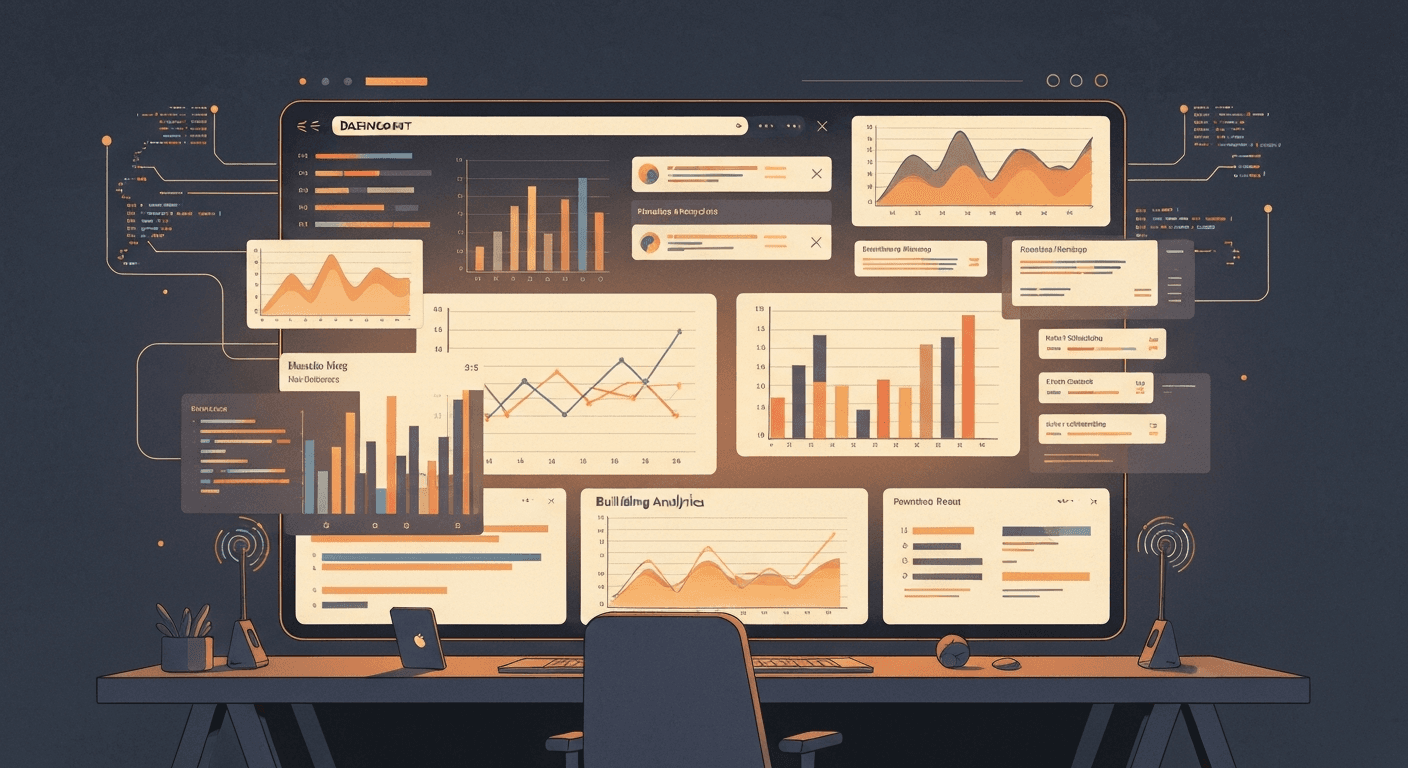
Build a professional analytics dashboard in hours, not weeks. Use Claude Code and React to create data visualisations, charts, and real-time metrics for your UK SaaS or client project.
<h2>Why dashboards are the perfect first product</h2>
<p>Every business needs to see its numbers. Every founder obsesses over metrics. Every manager wants a screen they can glance at and know whether things are on track.</p>
<p>Dashboards are the perfect first product for three reasons:</p>
<ol>
<li><strong>Clear value proposition.</strong> "See your data in one place" is easy to sell.</li>
<li><strong>Recurring revenue.</strong> Dashboards are naturally subscription products -- data changes daily, so customers keep paying.</li>
<li><strong>Buildable with AI.</strong> Dashboards are structured, repetitive, and visual -- exactly the kind of thing AI coding tools excel at.</li>
</ol>
<p>In 2026, Claude Code can generate a professional dashboard in hours. Not a rough prototype -- a polished, responsive, data-connected dashboard that looks like it was built by a team. This guide shows you how.</p>
<h2>Before you build: decide what matters</h2>
<p>The biggest mistake dashboard builders make is showing too much data. A dashboard with 50 metrics is not a dashboard -- it is a spreadsheet with a nicer font.</p>
<p>Before writing any code, answer these three questions:</p>
<ol>
<li><strong>Who is looking at this dashboard?</strong> A founder tracking revenue needs different metrics from a marketing manager tracking campaigns. Be specific about your user.</li>
<li><strong>What decision does this help them make?</strong> Every metric should connect to an action. "Revenue is down 15% this week" leads to "investigate why." "Page load time is 2.3s" does not lead to anything for most people.</li>
<li><strong>What are the 3-5 numbers that matter most?</strong> If someone glances at your dashboard for five seconds, which numbers should they see? Those are your hero metrics. Everything else goes on secondary pages.</li>
</ol>
<p>Write your answers down. You will use them as the prompt for Claude Code.</p>
<h2>Step 1: Set up your project (10 minutes)</h2>
<p>Start with a Next.js project and install the charting library:</p>
<pre><code>npx create-next-app@latest my-dashboard --typescript --tailwind --app
cd my-dashboard
npm install recharts @supabase/supabase-js</code></pre>
<p>Recharts is the best React charting library for dashboards. It is declarative, responsive, and Claude Code generates excellent Recharts code.</p>
<p><strong>Alternative:</strong> If you prefer a different approach, Chart.js with react-chartjs-2 works well too. Claude Code handles both.</p>
<h2>Step 2: Generate the dashboard layout (30 minutes)</h2>
<p>Open Claude Code in your project directory and give it a detailed prompt:</p>
<blockquote><p>Build a dashboard page at /dashboard with the following layout: (1) A top bar showing 4 summary cards -- Total Revenue (GBP), Active Users, Conversion Rate, and MRR. (2) A main chart area with a line chart showing revenue over the last 30 days. (3) A secondary row with a bar chart showing signups by source and a pie chart showing revenue by plan. (4) A data table at the bottom showing recent transactions with columns for date, customer, amount (GBP), and status. Use Recharts for charts, Tailwind CSS for styling, and make it responsive. Use a clean, professional design with a white background and subtle borders.</p></blockquote>
<p>Claude Code will generate:</p>
<ul>
<li>The page component with responsive grid layout</li>
<li>Summary card components with proper GBP formatting</li>
<li>Chart components with axes, tooltips, and legends</li>
<li>A data table with sorting and status badges</li>
<li>Mock data so you can see it working immediately</li>
</ul>
<p>Run <code>npm run dev</code> and open <code>localhost:3000/dashboard</code>. You should see a working dashboard with sample data.</p>
<h2>Step 3: Style and polish (30 minutes)</h2>
<p>The first generation will be functional but might not match your vision exactly. Iterate with Claude Code:</p>
<ul>
<li>"Make the summary cards have a subtle gradient background"</li>
<li>"Change the chart colours to use this palette: #2563eb, #7c3aed, #059669, #d97706"</li>
<li>"Add a dark mode toggle in the top bar"</li>
<li>"Make the data table show the last 10 entries with pagination"</li>
<li>"Add hover effects to the chart data points that show exact values"</li>
</ul>
<p>Each iteration takes seconds. You are designing by conversation, not by writing CSS.</p>
<p><strong>Pro tip:</strong> Take a screenshot of a dashboard you admire and describe what you like about it. "I want the clean spacing and card design of the Stripe dashboard" gives Claude Code enough context to adjust the design.</p>
<h2>Step 4: Connect real data with Supabase (1 hour)</h2>
<p>Mock data is fine for prototyping, but a real dashboard needs real data. Supabase makes this straightforward.</p>
<p><strong>Create your tables:</strong> Go to <a href="https://supabase.com">supabase.com</a>, create a free project, and set up tables for your data. For a SaaS dashboard, you might need:</p>
<ul>
<li><code>users</code> -- id, email, plan, created_at</li>
<li><code>transactions</code> -- id, user_id, amount, status, created_at</li>
<li><code>events</code> -- id, type, user_id, metadata, created_at</li>
</ul>
<p>Ask Claude Code to generate the data-fetching layer:</p>
<blockquote><p>Replace the mock data in my dashboard with real data from Supabase. My tables are: users (id, email, plan, created_at), transactions (id, user_id, amount, status, created_at). Calculate total revenue, active users, conversion rate, and MRR from these tables. Show revenue over the last 30 days as a daily sum. Show signups by source from the users table. Handle loading states and errors.</p></blockquote>
<p>Claude Code will generate Supabase queries, aggregate functions, and proper loading/error states. It will also handle the GBP currency formatting.</p>
<h2>Step 5: Add real-time updates (30 minutes)</h2>
<p>A dashboard that updates when you refresh is fine. A dashboard that updates live is impressive.</p>
<p>Supabase real-time subscriptions make this simple. Ask Claude Code:</p>
<blockquote><p>Add real-time subscriptions to the dashboard. When a new transaction is inserted into the transactions table, update the revenue chart and summary cards without refreshing. Use Supabase real-time subscriptions. Show a subtle animation when data updates.</p></blockquote>
<p>Claude Code will set up the Supabase channel subscription, handle the incoming data events, and update the React state. The result is a dashboard that reflects changes within seconds of them happening in the database.</p>
<p><strong>When to use real-time:</strong> Live-updating dashboards are impressive but not always necessary. If your data changes once a day, real-time is overkill -- just fetch on page load. If your data changes every few minutes (transactions, user signups, server metrics), real-time is worth the setup.</p>
<h2>Step 6: Make it responsive (15 minutes)</h2>
<p>Your dashboard needs to work on mobile. Not because founders use dashboards on their phones all day, but because they check them on the train, in meetings, and while making a brew.</p>
<p>Claude Code handles responsive design well if you are specific:</p>
<blockquote><p>Make the dashboard fully responsive. On mobile: stack the summary cards in a 2x2 grid, make charts full-width and scrollable horizontally, collapse the data table to show only date, customer, and amount columns. On tablet: show 2 columns for charts. Keep the desktop layout as-is.</p></blockquote>
<p>Test on your phone. If something looks wrong, tell Claude Code what to fix. "The pie chart is too small on iPhone" is a perfectly good prompt.</p>
<h2>Step 7: Deploy (10 minutes)</h2>
<p>Push to GitHub and deploy to Vercel:</p>
<pre><code>git init
git add .
git commit -m "feat: initial dashboard"
git remote add origin https://github.com/your-username/my-dashboard.git
git push -u origin main</code></pre>
<p>Connect your GitHub repo to Vercel. Set your Supabase environment variables (NEXT_PUBLIC_SUPABASE_URL and NEXT_PUBLIC_SUPABASE_ANON_KEY) in the Vercel dashboard. Every push to main deploys automatically.</p>
<p>Total time from zero to deployed dashboard: roughly 3-4 hours.</p>
<h2>Dashboard design patterns that work</h2>
<p>After building dozens of dashboards, some patterns consistently work well:</p>
<p><strong>The F-pattern layout.</strong> Users scan dashboards in an F shape -- top left, across the top, then down the left side. Put your most important metric in the top-left card. Put your main chart below it. Put secondary information to the right and below.</p>
<p><strong>Comparison over time.</strong> Every metric should show change. "Revenue: GBP 12,450" is less useful than "Revenue: GBP 12,450 (+8.3% vs last week)." Claude Code can generate comparison calculations easily.</p>
<p><strong>Colour means something.</strong> Green for positive changes, red for negative, amber for warnings. Do not use colour decoratively -- use it to convey information at a glance.</p>
<p><strong>Sensible date ranges.</strong> Default to the last 30 days for most metrics. Offer 7 days, 30 days, 90 days, and 12 months as options. Let users pick custom ranges only if they specifically need it.</p>
<p><strong>Loading states that do not jump.</strong> Use skeleton loaders that match the exact size of the final content. When data loads, the page should not shift or jump. Claude Code generates skeleton loaders if you ask for them.</p>
<h2>Turning your dashboard into a product</h2>
<p>Many successful UK SaaS products started as internal dashboards. If your dashboard solves a real problem, other people probably have the same problem.</p>
<p><strong>Signs your dashboard could be a product:</strong></p>
<ul>
<li>You built it because existing tools did not show the metrics you needed</li>
<li>Colleagues or friends ask to use it</li>
<li>It combines data from multiple sources that are annoying to check separately</li>
<li>It is specific to an industry (e-commerce dashboards, property dashboards, fitness dashboards)</li>
</ul>
<p><strong>To productise it:</strong></p>
<ol>
<li>Add authentication (see our <a href="/blog/add-authentication-ai-built-saas-uk">guide to adding auth</a>)</li>
<li>Make it multi-tenant (each customer sees only their data)</li>
<li>Add a data import/connection flow (CSV upload, API integrations)</li>
<li>Build a pricing page (GBP 29-99/month is the typical range for dashboard SaaS)</li>
<li>Add Stripe for payments (see our <a href="/blog/add-stripe-subscriptions-ai-built-saas-uk">Stripe subscriptions guide</a>)</li>
</ol>
<p>The jump from "internal dashboard" to "product" is smaller than you think. Most of the hard work (data visualisation, responsive design, real-time updates) is already done.</p>
<h2>Common dashboard mistakes</h2>
<p><strong>Too many metrics.</strong> If everything is important, nothing is important. Ruthlessly cut metrics that do not directly connect to a decision or action.</p>
<p><strong>No context for numbers.</strong> "1,247 users" means nothing without context. Is that good? Is it growing? Show percentage changes, comparisons to goals, or historical trends.</p>
<p><strong>Ignoring mobile.</strong> Founders check dashboards on their phones more than they admit. A dashboard that is unusable on mobile is a dashboard that gets ignored.</p>
<p><strong>Not caching data.</strong> Dashboards that recalculate complex aggregations on every page load are slow and expensive. Cache your calculations and refresh them on a schedule (every 5 minutes is usually fine).</p>
<p><strong>Building before asking.</strong> If this dashboard is for clients or team members, ask them what metrics they actually want to see. You will be surprised how different their answer is from what you assumed.</p>
<h2>What to build next</h2>
<p>Once your dashboard is live, consider these enhancements:</p>
<ul>
<li><strong>Automated reports.</strong> Send a weekly email summary of key metrics. Claude Code can generate an email template and a cron job to send it.</li>
<li><strong>Alerts.</strong> Notify the user when a metric crosses a threshold (revenue drops below GBP X, error rate exceeds Y%). This turns a passive dashboard into an active monitoring tool.</li>
<li><strong>Embeddable widgets.</strong> Let customers embed individual charts in their own tools. This is a powerful upsell feature for B2B dashboard products.</li>
<li><strong>CSV/PDF export.</strong> Let users download their data. It sounds basic but it is one of the most-requested dashboard features.</li>
</ul>
<p>Dashboards are sticky products. Once someone builds their workflow around your dashboard, switching costs are high. Build it well, and you have a product that retains customers for years.</p>
<div style="background: #f0f7ff; border-left: 4px solid #2563eb; padding: 1.5rem; margin: 2rem 0; border-radius: 0 8px 8px 0;">
<p style="font-weight: 700; font-size: 1.1rem; margin-bottom: 0.5rem;">Want data-backed business ideas delivered weekly?</p>
<p>IdeaStack researches UK business opportunities so you do not have to. Each report includes market sizing, competitor analysis, and a build plan you can act on.</p>
<p><a href="https://www.ideastack.co" style="color: #2563eb; font-weight: 600;">Get the latest free report →</a></p>
</div>
For most UK indie hackers, the sweet spot is Next.js for the frontend, Recharts or Chart.js for visualisations, and Supabase for the database and real-time data. Claude Code can generate all of this from a single prompt. If you want something simpler, Lovable can build a basic dashboard from a description, though you get less control over the details.
Can Claude Code build charts and data visualisations?
Yes, and it is surprisingly good at it. Tell Claude Code what data you want to visualise and what chart type you want (line, bar, pie, area) and it will generate the component with proper axes, labels, colours, and responsive sizing. It handles Recharts and Chart.js natively. You can iterate by asking for design changes in plain English.
How do I connect my dashboard to real data?
The simplest approach is Supabase. Create your tables, insert your data, and use the Supabase JavaScript client to fetch it in your React components. Claude Code can generate the entire data-fetching layer, including error handling and loading states. For real-time updates, Supabase subscriptions push changes to your dashboard without polling.
Should I build a custom dashboard or use a tool like Grafana?
If the dashboard is for your internal use only, Grafana or Metabase might be faster. But if the dashboard is part of your product (something customers will see and interact with), build it custom. AI tools have made custom dashboards almost as fast to build as configuring an off-the-shelf tool, and you get complete control over the design and experience.
Can I sell a dashboard as a standalone product?
Absolutely. Analytics dashboards are one of the most common SaaS product categories. UK businesses pay GBP 50-500/month for industry-specific dashboards that track metrics they care about. If you can combine data from multiple sources into a single view that saves someone an hour a day, that is a viable product.